
Blender is fast for modelling and sculpting. A USD-native editor is fast for assembly, layout and review. Connecting the two removes the export-import round-trip that otherwise sits between every department.
The round-trip problem
Most studios already have a perfectly good modelling application. The friction appears at the boundary: the artist finishes a shape, exports it, someone else imports it, and any further edit starts the cycle again. Each round-trip costs time and, more importantly, it costs context — the artist loses the live relationship between the shape they are working on and the scene it belongs to.
A live connection between the two applications turns that boundary into a stream of small edits instead of a sequence of archives.
What "live share" actually buys you
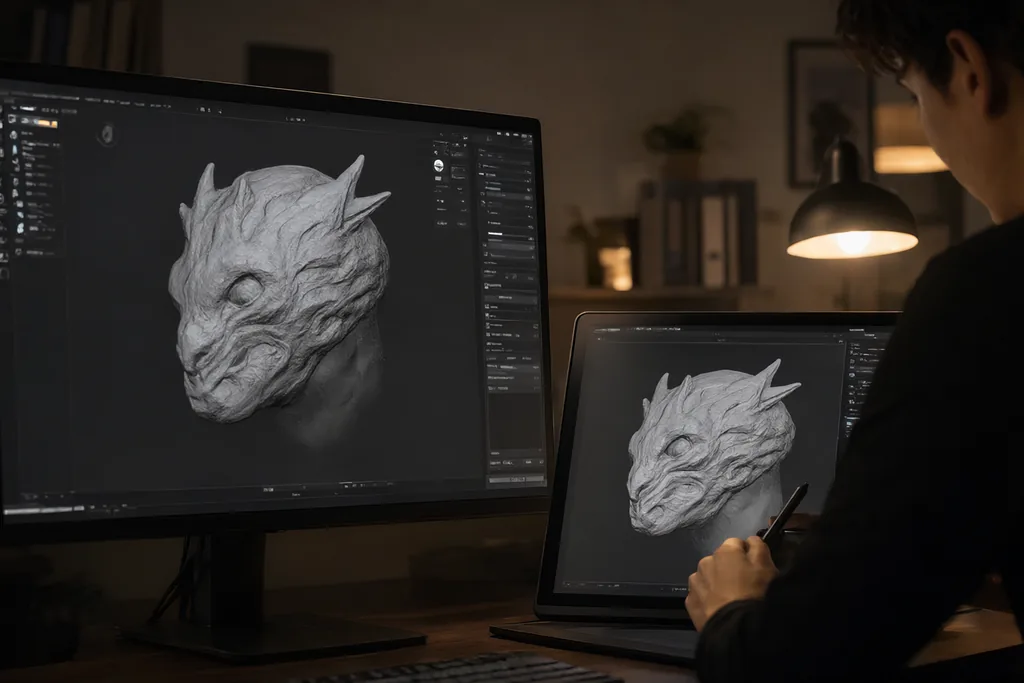
Sending edits live from a modelling tool into an open USD stage means the assembly artist sees the new shape while it is still being sculpted. That changes the nature of review. Instead of approving a dated export, the team approves a shape in context, and the notes that follow refer to something everyone can still see.
It also shortens the loop for the modeller. Feedback about silhouette, scale or position arrives while the file is open and editable, rather than a day later as a written note.
The USD side of the bridge
For the connection to be useful, the USD application has to be a genuine editor rather than a viewer. That means authoring transforms on prims, managing the hierarchy, and writing the changes into the correct layer. A bridge that can only display incoming geometry is a preview, not a workflow.
The bridges that hold up in production share a few properties:
- They target a specific stage and a specific layer, so live edits land where the pipeline expects them.
- They do not mutate the source asset — the edit is authored as an override on top of the referenced asset.
- They degrade gracefully: if the connection drops, the stage still opens and renders from the last published state.
- They are versioned with the rest of the pipeline so that a change in either application can be rolled back independently.
Node-based shading inside the USD editor
Modelling is only half of the authoring problem. Once the shape is in the stage, appearance has to follow. A node editor that edits the shading network of a USD stage directly lets the look-development artist work on the same prims the modeller published, rather than on a converted copy that drifts out of sync.
Keeping shading inside the same stage also keeps the variant structure intact: a damaged and an undamaged version of a prop can carry different shading without duplicating the geometry.
A workable division of labour
The two applications overlap, so the pipeline needs to be explicit about who owns what. The table below is one arrangement that has proved practical on modelling-heavy shots.
| Task | Blender | USD editor |
|---|---|---|
| Base modelling and sculpting | Primary | Review only |
| Retopology and UVs | Primary | — |
| Placement and assembly | — | Primary |
| Variants and instancing | — | Primary |
| Look development | Occasional | Primary |
| Final layout review | — | Primary |
Getting the foundation right
The bridge is only the last mile. Underneath it, the pipeline still needs the ordinary scaffolding: an asset naming convention, a published-version folder structure, and a rule about which layer receives which kind of edit. Studios that skip that scaffolding find that live edits are fast to make and impossible to reproduce, which is worse than a slow round-trip.
Two further habits pay for themselves immediately. Publish the scene description of every asset as a versioned file rather than as a live session, so a shot can always be rebuilt from disk. And keep the live bridge out of the final render path — the farm should render published stages, not whatever happened to be open on an artist's machine.
Handling version skew between the two tools
Two applications that talk to each other have to agree on the meaning of what they exchange. That is rarely a problem on the day the bridge is written, and almost always a problem a year later, when one side has been updated and the other has not. A version field carried with the connection, checked before edits flow, turns a mysterious corruption into a clear message asking for a matched pair of builds.
Rollback is the other half of the same problem. Both applications should be pinnable to a known-good build, and the pipeline should be able to reproduce a shot from disk alone, without depending on a live session that someone has left running overnight.
Who owns the published asset
A live connection blurs the boundary between the artist who shapes an asset and the artist who places it, and pipelines that ignore that blur end up with overlapping edits and lost work. The convention that keeps things calm is simple: the modelling application owns the base asset, the USD editor owns overrides, and only one of them publishes a given layer. Everything else follows from that division.
It is worth restating it when new artists join, because the temptation to fix a small shape inside the assembly session is always present. A short piece of written guidance saves a surprising amount of re-work, and it keeps a shot rebuildable long after the artist who assembled it has moved on.
A bridge between Blender and a USD-native editor will not fix a pipeline that lacks conventions, and it is not meant to. What it does is remove the least interesting part of the job — moving files around by hand — so that artists spend their time on the decisions that actually show up on screen.
More from News & Articles
Deep dives on USD, open-source pipelines and production workflows.